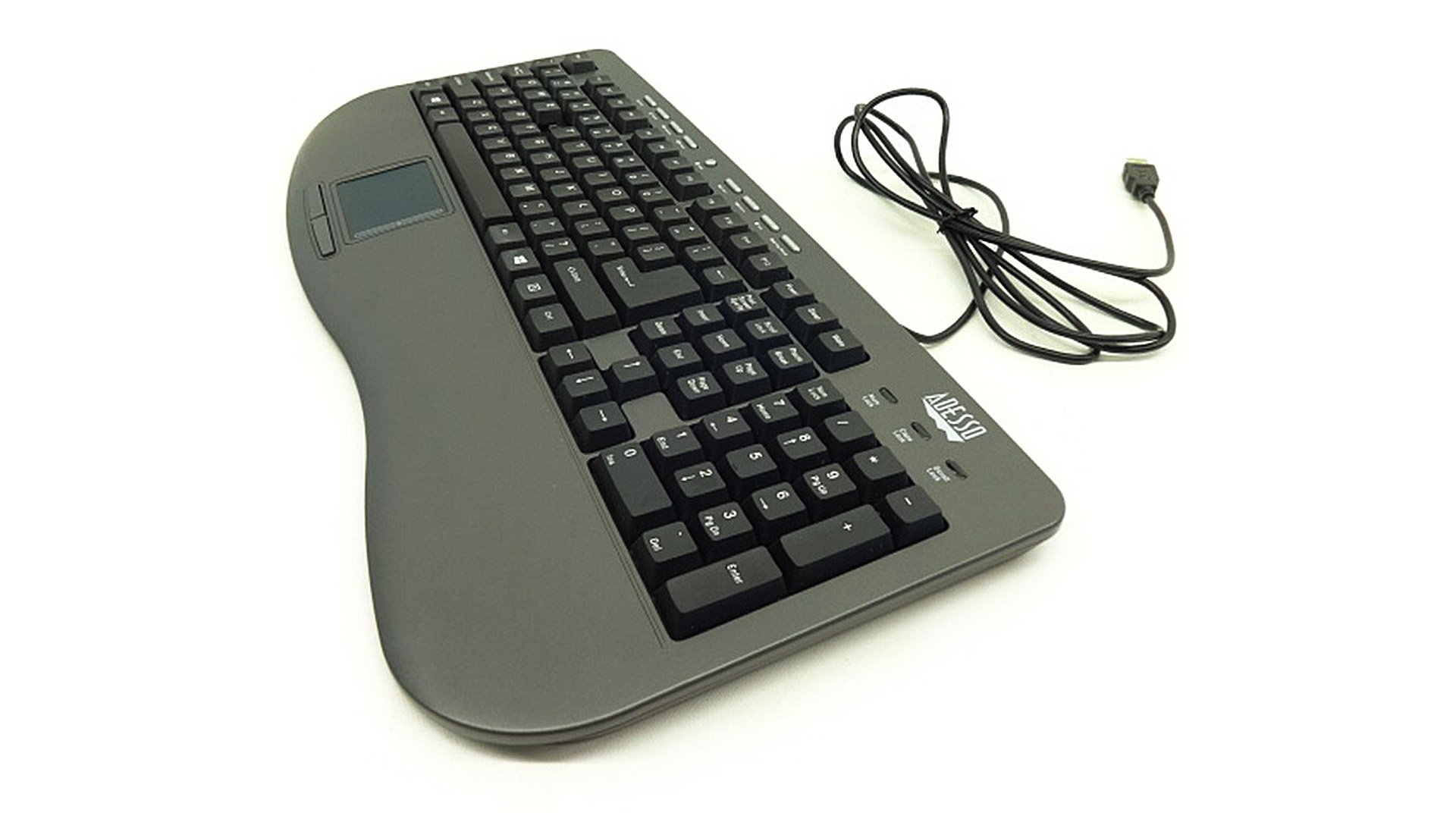
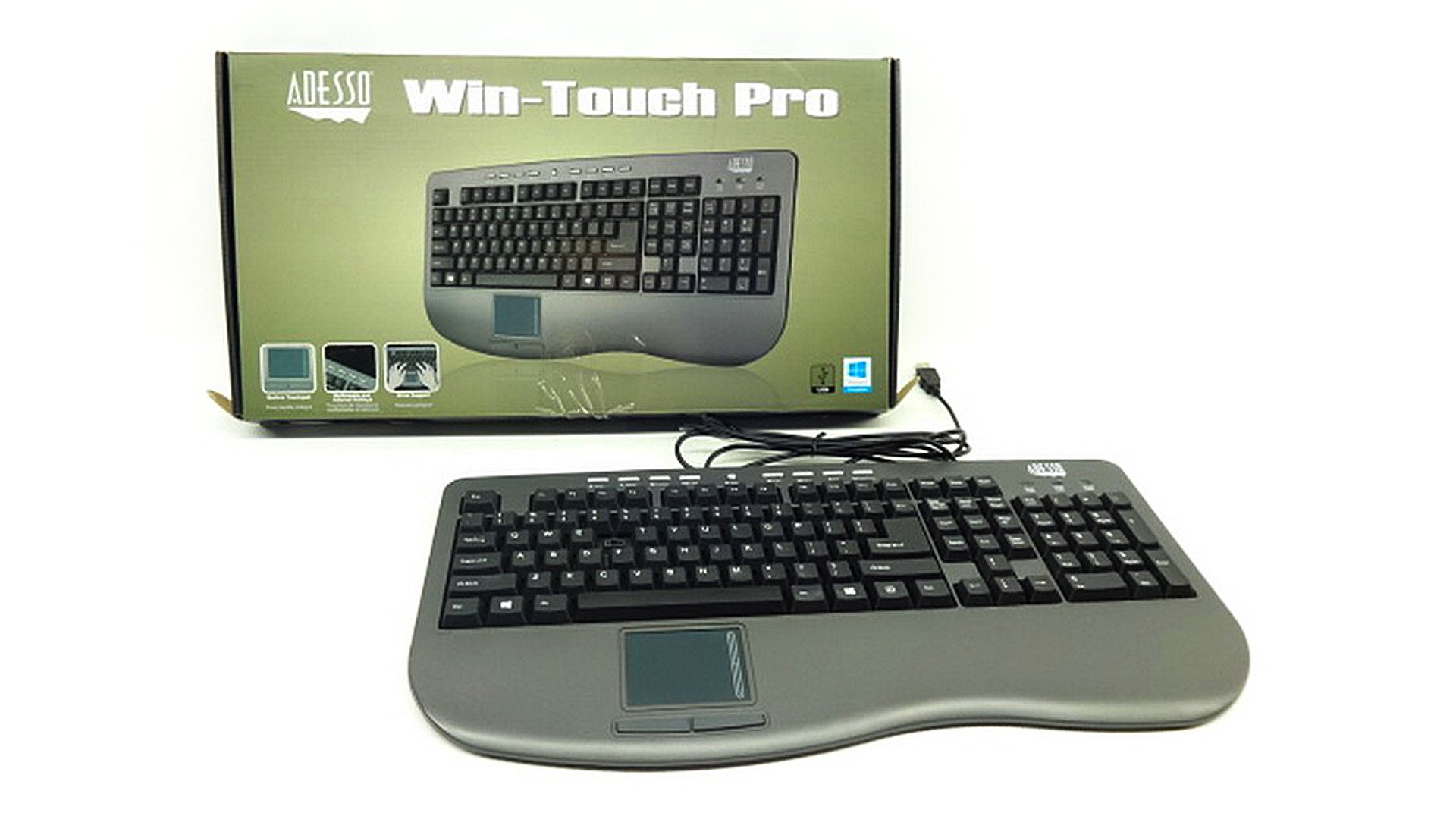
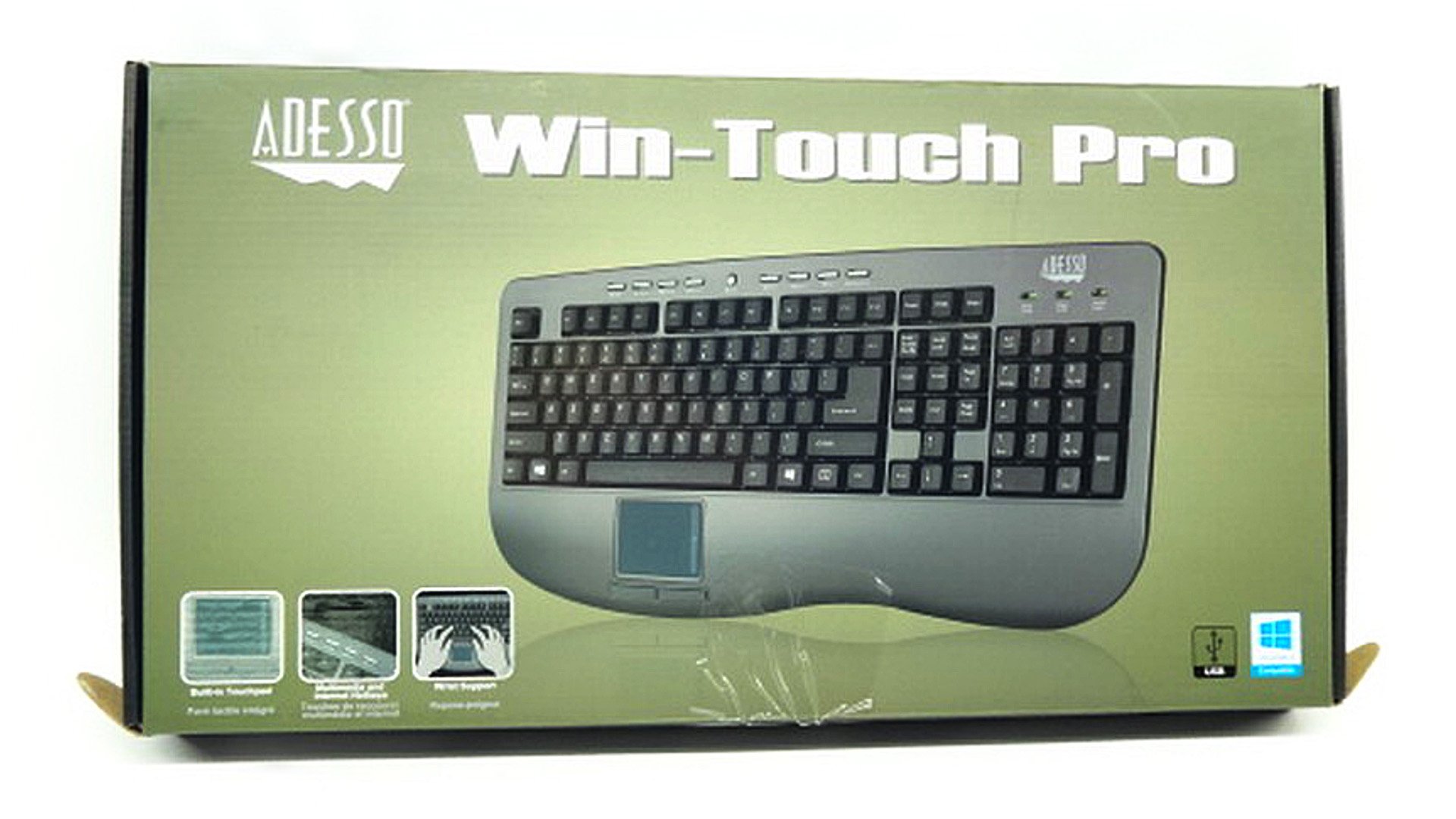
Adesso Win-Touch Pro USB Keyboard with Wristsaver (AKB-430UG),Gray
Details
- BrandAdesso
- Compatible DevicesLaptop
- Connectivity TechnologyUSB
- Keyboard DescriptionMultimedia
- Recommended Uses For ProductHome
- Special FeatureErgonomic
Description
⌨️ Elevate your desk game with pro-level control and comfort!
- UNIVERSAL COMPATIBILITY - Plug-and-play with Windows 2000 through Windows 10—future-proof your setup with ease.
- ERGONOMIC WRISTSAVER DESIGN - Comfort-first wrist rest reduces strain during long work sessions—because productivity shouldn’t come at a cost.
- PRECISION GLIDEPOINT TOUCHPAD - Integrated touchpad with left and right buttons for smooth cursor control—ditch the mouse and streamline your workspace.
- MULTIMEDIA CONTROL MADE EFFORTLESS - 5 multimedia hotkeys including Mute, Volume Up/Down, Stop, and Play/Pause—perfect for multitasking pros.
- SEAMLESS NAVIGATION AT YOUR FINGERTIPS - 4 dedicated Internet hotkeys for instant access to Home, Search, Favorites, and E-mail—stay connected without missing a beat.
The Adesso Win-Touch Pro USB Keyboard (AKB-430UG) is a robust 107-key US layout keyboard featuring dedicated internet and multimedia hotkeys, an integrated touchpad with left/right buttons, and an ergonomic wristsaver design. Compatible with Windows 2000 through 10, it offers a corded connection for reliable performance, making it an ideal choice for professionals seeking efficiency and comfort in one sleek package.
Specifications
| Brand | Adesso |
| Series | AKB-430UG |
| Item model number | AKB-430UG |
| Hardware Platform | PC |
| Operating System | Windows® 2000 / XP / Vista / 7 / 8 / 10 |
| Item Weight | 2.15 pounds |
| Product Dimensions | 18 x 1 x 9 inches |
| Item Dimensions LxWxH | 18 x 1 x 9 inches |
| Color | black |
| Power Source | Corded Electric |
| Manufacturer | Adesso |
| Language | English |
| ASIN | B000P6J64K |
| Is Discontinued By Manufacturer | No |
| Date First Available | October 6, 2017 |
Reviews
F**.
Needed to enter command to get touchpad buttons to work right in Ubuntu
I love this keyboard, although I place it on my lap to use it, and at times I wish it were shorter. One thing I like about it is the simplicity of the underside of the keys, which makes it easier to get it clean by just vacuuming it. But if I ever want to clean it thoroughly by popping the keys off, etc., there are no little parts (besides the keys) to deal with.I had some real problems getting the touchpad buttons on this keyboard working in Ubuntu 16.04.5 until it occurred to me that the problem might have something to do with the drivers in Ubuntu 16.04. (It works well with 18.04.) So I did a search and found that, according to the DebuggingTouchpad Detection Ubuntu Wiki page, this is indeed the case, and that the command "xmodmap -pp > ~/xmodmap" (without quotes) would supposedly fix the problem, which it did, at least well enough. (Get the command directly from the page - I don't want to be responsible for anything that might go wrong.) You can copy the command as usual, and paste it into the terminal by pressing Ctrl-Shift-V.
A**A
Not too shabby!
After changing from a laptop to a desktop, I found that using the mouse was hurting my wrist, so I searched for a touchpad keyboard (and was happy to see that they do exist). I bought this one because it had the numerical pad on the right side, was close to a standard size and was reasonably priced. I followed the instructions to set it up and had no problems. I even installed the optional GlidePoint driver (using Windows 7). I am quite impressed with the customability through the GlidePoint program. I was even able to turn off the annoying/weird beeps it was making due to the default settings). The backspace key is small and takes a second to find but I'm sure I'll get used to it quickly. Some of the reviews said that the keyboard is "mushy" and I can see why they say that, they keys need to be pressed with more than a thought of pressing them, however, they are quiet so you don't hear the click clack that you get with some keyboards. The left touchpad key is the opposite, it is faily loud and you have to press it quite firmly. This is my only dislike so far but I'm sure I'll get used to that as well. Overall I am happy that I was able to buy what I had envisioned and hopefully put an end to the major wrist pain that I was experiencing after a short time using a mouse again.UPDATE:I took a risk buying this with the hit or miss reviews. After almost a year of 5x a week use, the left mouse button hasn't been working properly. I have to click on things several times in order for it to register. If I click with it more towards the right side of the left button it won't let me "drag and drop" anything. This has become a debilitating issue. I am very happy with the keyboard and the concept of the touchpad instead of a mouse, and I have been able to overlook the other issues that it has, which have been minor, but this one is insurmountable.The other issues I have are: when the printer (which is also USB but on a different USB plug) goes into sleep mode, the keyboard stutters and won't let me use it for a few seconds. And at least once a week the keyboard starts acting funny where it is highlighting (selecting) the whole page or typing in capital letters when caps lock is not on and shift is not selected. I have been able to reset it by unplugging and plugging it in again so it hasn't been a deal breaker.I was able to submit a warranty request since it has been just under a year. Hopefully they will honor it! The downside is that I have to ship the keyboard to them and who knows how long it will take to get a replacement. I have to find my old keyboard and mouse so I can get some work done!
K**B
Overall a good touchpad keyboard as I would expect from Adesso, with a few annoyances
I've been using Adesso touchpad keyboards for at least 15yrs having bought 4 or 5 of different iterations of their ergonomic touchpad keyboards (currently PCK-308UB) prior to buying two copies of this keyboard (one for my desk at work and one for my home office). In general, I have been using touchpad keyboards for around 20 years. This time I opted not to go with Addesso's ergonomic keyboard because it is too thick and does not fit my keyboard trays properly.Overall, I like this keyboard and I think it is one of Adesso's more stylish looking keyboards. The key action is what I expected, reasonably firm with a nice movement distance. It is a quieter keyboard than I'm used to, which isn't bad. The touchpad is the standard sized touchpad that Adesso uses and a pretty average size for touchpads in general. The touchpad does not require the use of special drivers, but they are available for download if you really want them. On my personal laptop I do use the driver and it has some added features, however, the driver can get flaky every now and then requiring the the keyboard to be unplugged from the USB port and plugged back in. On my work laptop I won't be installing the drivers because of my company's IT policies. I use a three monitor (1920x1080) setup for work and the maximum pointer speed is not fast enough for my tastes. It takes about 3-4 finger swipes to get from the left side of the left monitor to the right side of the right monitor. There is a registry hack in Windows that can be used to increase the maximum speed of the pointer (https://technet.microsoft.com/en-us/library/cc978664.aspx) and it did seem to help some, but I wish Windows built in HID mouse driver had better mouse acceleration options.The thing I find annoying about this keyboard and why I took away one star is the position of the power, sleep & wake keys. Their position is the normal place for the print screen/Sys Rq, scroll lock and pause/break keys on other keyboards including Adesso's ergonomic touchpad keyboard (PCK-308UB). In all the years and through all of the Adesso keyboards I've used, my number one complaint has been their power, sleep and wake buttons/keys. The worst iteration was my first Adesso keyboard so many years ago, they were in a really bad position and constantly being bumped resulting in accidental shutdowns of my computer. This keyboard probably has the second worst position for these buttons as it is where I normally expect the print screen, scroll lock and pause/break keys to be (which I frequently use). The power, sleep & wake key position also results in all those action keys to be pushed down by one key row from their traditional location, which is going to take quite a bit of getting used to. In order to prevent any accidental system shutdowns, the very first thing I did was to disable the power and sleep buttons in my Windows power settings. I really do wish Adesso would either stop putting the power, sleep and wake buttons on their keyboards or at the very least put those buttons in the same place on this keyboard as they did on their PCK-308UB keyboard so that the keyboards were consistent.OVERALL SUMMARYPROS:* I've found Addesso keyboards to be fairly reliable over the years. Like any keyboard they do eventually wear out, but I've been happy with their longevity.* If you want a touchpad keyboard that puts the touchpad below the space bar (as I prefer), Adesso is probably the best of the available options (there just aren't that many choices).* This keyboard is very attractive with just the right amount of heft.CONS* The power, sleep & wake buttons are in a really bad location and could be annoying if you switch back and forth between different keyboards (as I do). In reality these keys need to be low visibility buttons (like they are on Addesso's PCK-308UB keyboard), not full keys in the main key area. To prevent accidental shutdowns the power and sleep keys should be disabled from the power manager.* Adesso's touchpad drivers tend to be a little flaky now and then, and historically have not been signed. This is mitigated by the fact that they really aren't necessary unless you want some of the added features.* The position of the action keys (e.g. print screen, scroll lock, insert, delete, etc.) are in a non-standard position because of the power, sleep and wake keys.TOUCHPAD TIPIf you are new to touchpads, you may find them to be very twitchy to use -- this is in their nature. What I have found is that to preform fine pointer movements, it is best to roll the pad of the finger controlling the pointer instead of trying to slide it fractions of a millimeter. A finger will always slide with a slight jerk and invariably move further than desired. By slightly rolling the finger, the pointer can be controlled very precisely.
Common Questions
Trustpilot
1 month ago
1 month ago


Desert Online General Trading LLC
Dubai, United Arab Emirates